
If you’ve ever wondered why some websites rank higher, keep visitors engaged longer, and feel easier to navigate, internal linking is often a big part of the answer.
Internal linking is not just about connecting pages—it’s about creating a clear path for both users and search engines to understand your content. When done correctly, it strengthens your website’s structure, distributes authority, and improves the overall user experience.
In this guide, you’ll learn exactly what internal linking is, why it matters, how to do it properly, and how to avoid common mistakes. Whether you’re just starting or refining an existing site, this is everything you need to build a powerful internal linking strategy.
What Is Internal Linking?
Internal linking refers to hyperlinks that connect one page of a website to another page on the same domain.
For example, if you have a blog post about content writing and you link it to another post about keyword research on your site, that’s an internal link.
These links help users navigate your website and allow search engines to understand how your content is structured and related.
Quick Answer: Why Internal Linking Matters
Internal linking helps:
- Improve website structure and navigation
- Distribute authority across pages
- Increase time spent on your site
- Help search engines discover and index content
- Strengthen topic relevance and content relationships
In short, it connects your entire website into a meaningful, organized system.
How Internal Linking Works
To understand internal linking, think of your website as a network of pages connected by pathways.
Each link acts like a signal:
- It tells search engines which pages are important
- It shows how topics are related
- It helps users move naturally from one idea to another
Link Equity (Authority Flow)
When one page links to another, it passes some of its authority. Pages with more links pointing to them tend to be seen as more important.
For example, if your homepage links to a blog post, that post receives a boost in visibility and importance.
Crawlability
Search engines use bots to crawl websites. Internal links guide these bots to discover new pages and understand your site’s structure.
If a page has no internal links pointing to it, it may remain hidden and difficult to find.
Context and Relevance
The words used in a link (anchor text) help define what the linked page is about. This strengthens topic relevance and clarity.
Types of Internal Links
Not all internal links are the same. Each type serves a specific purpose.
Navigational Links
These are found in menus, headers, and footers. They help users move across key sections of your site.
Contextual Links
These appear within the content itself. For example, linking a keyword inside a paragraph to another relevant page.
These are the most powerful because they provide context and relevance.
Footer Links
Often used for important but less prominent pages like policies, contact pages, or secondary categories.
Sidebar Links
These usually highlight popular posts, categories, or recent content.
Benefits of Internal Linking
Better User Experience
Internal links guide visitors to relevant information, helping them stay longer and explore more content.
Stronger Content Relationships
They connect related topics, making your website feel organized and comprehensive.
Improved Page Visibility
Pages with more internal links are easier to find and more likely to be crawled frequently.
Increased Engagement
When users find helpful links within your content, they’re more likely to continue reading.
Efficient Authority Distribution
You can direct value from high-performing pages to those that need more visibility.
How to Build an Effective Internal Linking Strategy
Creating a strong internal linking system requires planning and consistency.
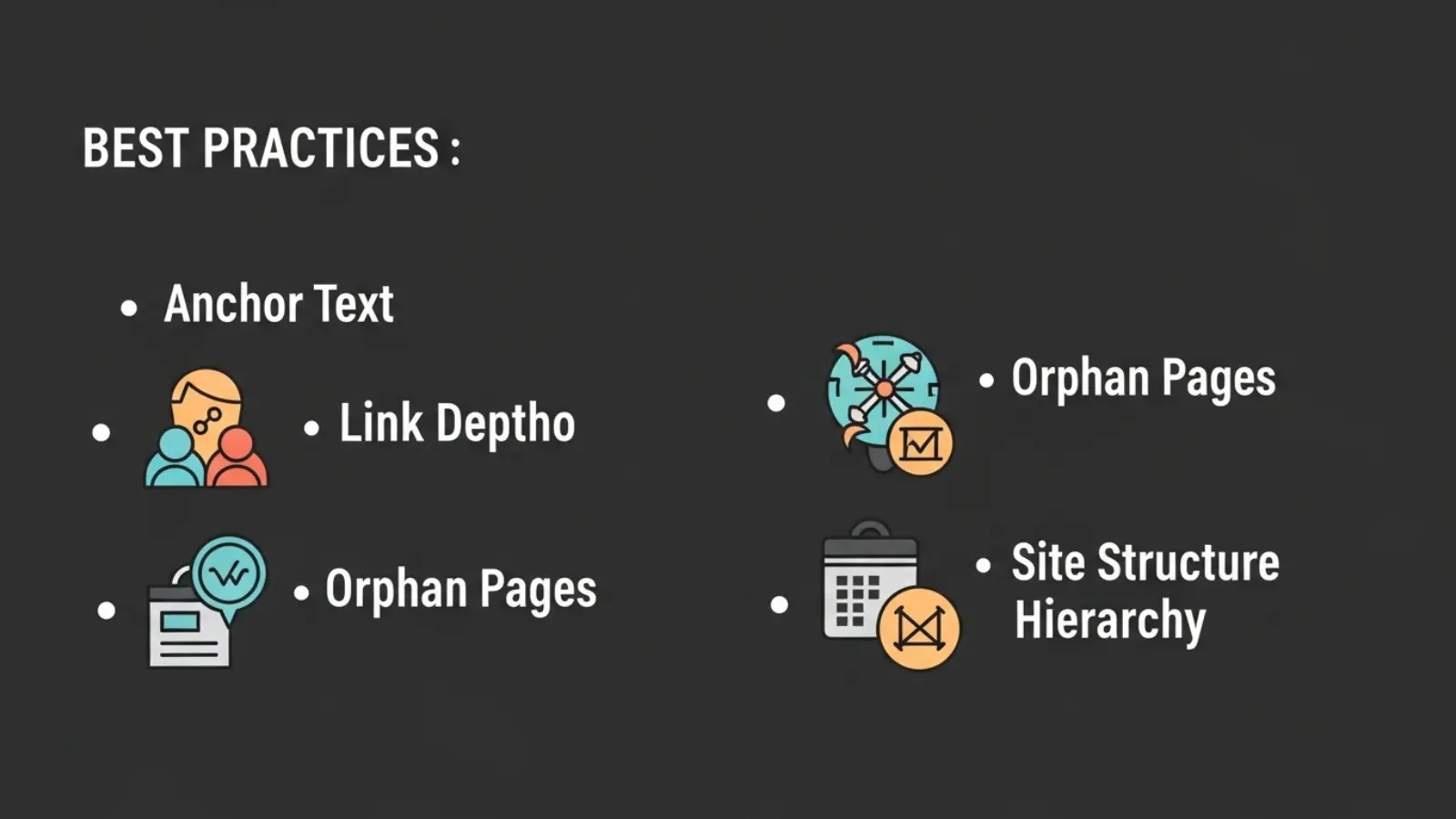
Start with a Clear Site Structure
Organize your content into categories and subcategories. This creates a logical hierarchy.
For example:
- Main topic page (pillar page)
- Supporting articles (cluster content)
This structure makes linking natural and effective.
Use Contextual Links Naturally
Add links where they genuinely help the reader. Avoid forcing links into unrelated content.
For instance, if you mention “content strategy,” linking to a detailed guide on that topic adds value.
Choose Descriptive Anchor Text
Instead of vague phrases like “click here,” use meaningful text like “complete content strategy guide.”
This improves clarity for both users and search engines.
Link to Important Pages More Often
If a page is valuable or important, link to it from multiple relevant pages.
This signals importance and improves visibility.
Keep Links Relevant
Only link pages that are genuinely related. Irrelevant linking can confuse users and reduce trust.
Update Old Content
Go back to older posts and add links to newer content. This keeps your site fresh and interconnected.
Practical Examples of Internal Linking
Example 1: Blog Content
A blog post about “email marketing tips” links to:
- A beginner guide to email marketing
- A tool comparison article
- A case study on successful campaigns
This creates a network of related content.
Example 2: E-commerce Site
A product page links to:
- Related products
- Category pages
- Buying guides
This helps users discover more options and make informed decisions.
Example 3: Educational Website
A guide on “digital marketing basics” links to:
- SEO fundamentals
- Social media strategies
- Content creation tips
This builds a structured learning path.
Important Points People Often Overlook
Orphan Pages
These are pages with no internal links pointing to them. They are difficult to find and often ignored.
Every page should be connected to at least one other page.
Depth of Pages
If a page is buried too deep (more than 3–4 clicks from the homepage), it becomes less accessible.
Keep important pages closer to the main navigation.
Balance Between Too Few and Too Many Links
Too few links limit navigation. Too many links overwhelm users and dilute value.
Focus on quality over quantity.
Link Placement Matters
Links placed higher in the content are often more effective because users see them earlier.
Common Mistakes and Misconceptions
Overloading Pages with Links
Adding too many links can make content cluttered and confusing. It also reduces the impact of each link.
Using Generic Anchor Text
Phrases like “read more” or “this article” provide little value. They don’t explain what the user will find.
Ignoring Relevance
Linking unrelated pages just to increase link count weakens your structure.
Not Updating Old Content
Many people focus only on new content and forget to connect it with existing pages.
Linking Only to Top Pages
While important pages should get more links, don’t ignore smaller or newer pages.
Internal Linking vs External Linking
Internal linking connects pages within your website, while external linking connects your site to other websites.
Internal Linking
- Improves structure
- Keeps users on your site
- Distributes authority internally
External Linking
- Adds credibility
- Provides additional resources
- Connects your content to the wider web
Both are important, but internal linking gives you full control over how your site is structured.
Best Practices and Tips
Keep your internal linking strategy simple and intentional.
Focus on creating helpful connections rather than chasing numbers.
Use a consistent structure across your site so users always know where they are and where they can go next.
Regularly audit your links to fix broken ones and improve connections.
Prioritize user experience. If a link doesn’t help the reader, it probably shouldn’t be there.
Think of internal linking as storytelling—each link should guide the reader naturally to the next step.
FAQs
How many internal links should a page have?
There’s no fixed number. It depends on the length and type of content. Focus on adding links that are useful and relevant rather than hitting a specific count.
What is the best anchor text for internal links?
The best anchor text is clear, descriptive, and relevant to the linked page. It should tell users exactly what they can expect.
Can internal linking improve rankings?
Yes, it helps search engines understand your site structure and page importance, which can improve visibility over time.
Should I link to the same page multiple times?
You can, but it’s usually unnecessary within the same page. One strong, well-placed link is often enough.
How often should I update internal links?
Regularly. Whenever you publish new content or update old pages, review your links to keep everything connected.
Conclusion
Internal linking is one of the most powerful yet often overlooked elements of a successful website. It shapes how users experience your content and how search engines understand it.
By creating clear connections between pages, using meaningful anchor text, and maintaining a logical structure, you turn your website into a well-organized system rather than a collection of isolated pages.
The key is simple: focus on relevance, clarity, and user value. When your internal links genuinely help readers navigate and learn, everything else naturally falls into place.

Shel Silverstein was a multi-talented poet, songwriter, and children’s author from the USA. His playful poems often felt like riddles in disguise, blending humor with deep meaning, making him a timeless favorite for puzzle and word lovers.